A Prometheus-to-Sift bridge,
built in 12 minutes.
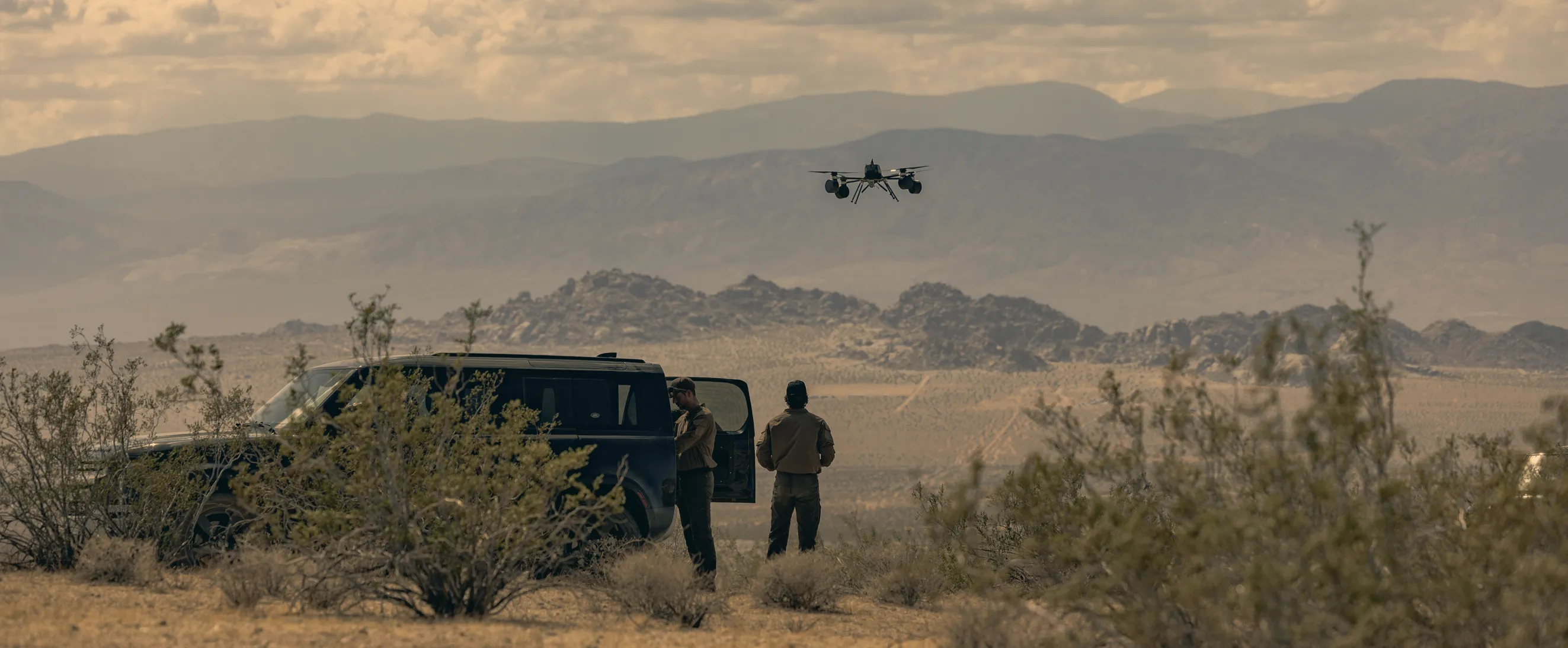
“Shortly after, we had live thermal telemetry from our drone components flowing into Sift (Edge) from our development HITL system.”

Capture and investigate hardware data locally, even without a cloud connection. Move between live signals and recorded data instantly, then bring selected runs into one shared Sift workspace so your team can build on the work already there.
GET A DEMO
Jump backward, move forward through captured telemetry, or return to live while other plots keep streaming.
512 channels queried in under a third of a second.*
METHODOLOGYRun separate Edge instances beside your hardware. Bring selected runs into your Sift workspace for deeper analysis and team review.
Translate protocols on site, then stream telemetry into Edge with Sift streaming libraries, Protobuf, or Arrow Flight. Agent skills help your engineers build the integration for their hardware. View data in the Edge viewer or your Grafana dashboards.
Edge runs on the test-site network. Live viewing, time navigation, and capture stay local, with or without a cloud connection. If the link drops, Edge buffers telemetry and replays it safely when the connection returns.
Upload selected runs to compare tests, investigate signals, and review findings with your team.
EXPLORE SIFT
“Shortly after, we had live thermal telemetry from our drone components flowing into Sift (Edge) from our development HITL system.”
Explore local capture, live and historical queries, and how selected runs reach your Sift workspace.
Read the technical deep dive(opens in a new tab)
Spend more time testing and less time maintaining tools. A DIY stack can work, but your team owns every integration and upgrade. Sift Edge moves that work into a supported product.
Bring ingestion, local capture, and transfer together in a supported product, reducing the integration work your team maintains.
Keep collecting locally when connectivity drops, then transfer selected telemetry when a connection is available.
Bring uploaded runs into the same Sift environment your team uses for analysis and review.
Edge is software deployed locally beside your hardware. A local server handles telemetry, and the Edge viewer lets engineers inspect live and recent data. Our team can help scope a deployment for your environment.
Local capture and viewing continue without a connection to your Sift tenant. Edge buffers telemetry through the interruption and replays it safely when the connection returns. This recovery is separate from moving back through captured data in the Edge viewer. Available storage and your deployment configuration determine how much telemetry you can keep locally.
Edge translates protocols on site and ingests telemetry through Sift streaming libraries, Protobuf, or Arrow Flight. You choose which runs to upload to your Sift tenant. Navigating captured data happens on Edge. Uploading is a separate step you start. Buffering and replay keep telemetry intact through an interruption; they do not send every sample to Sift automatically.
512 channels queried in 317 ms, measured on Sift Edge v0.3.2 querying a 60-second reference dataset on an Apple M3 Max with 36 GiB RAM. Median of five runs, including result transfer.
Book a demo. A Sift engineer will walk you through Edge and the deployment approach that fits your team.
Bring a telemetry sample, your protocols, and network constraints. In a 30-minute working session, we’ll show how to investigate locally and map a deployment from your test site into Sift.